Help center
See what AI says about your brand, and change it.
Step-by-step guides for every page of GEO Radar, in the same order as the dashboard sidebar.
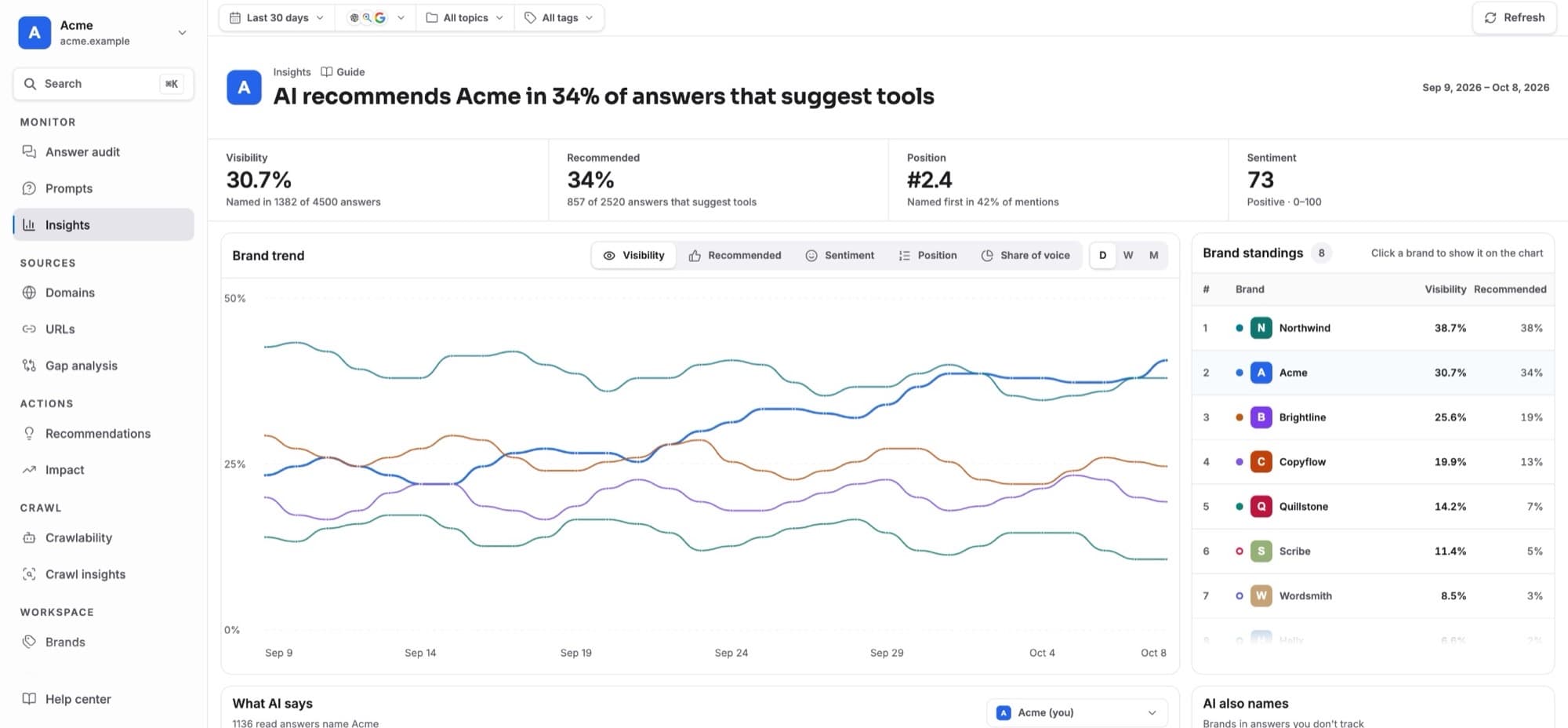
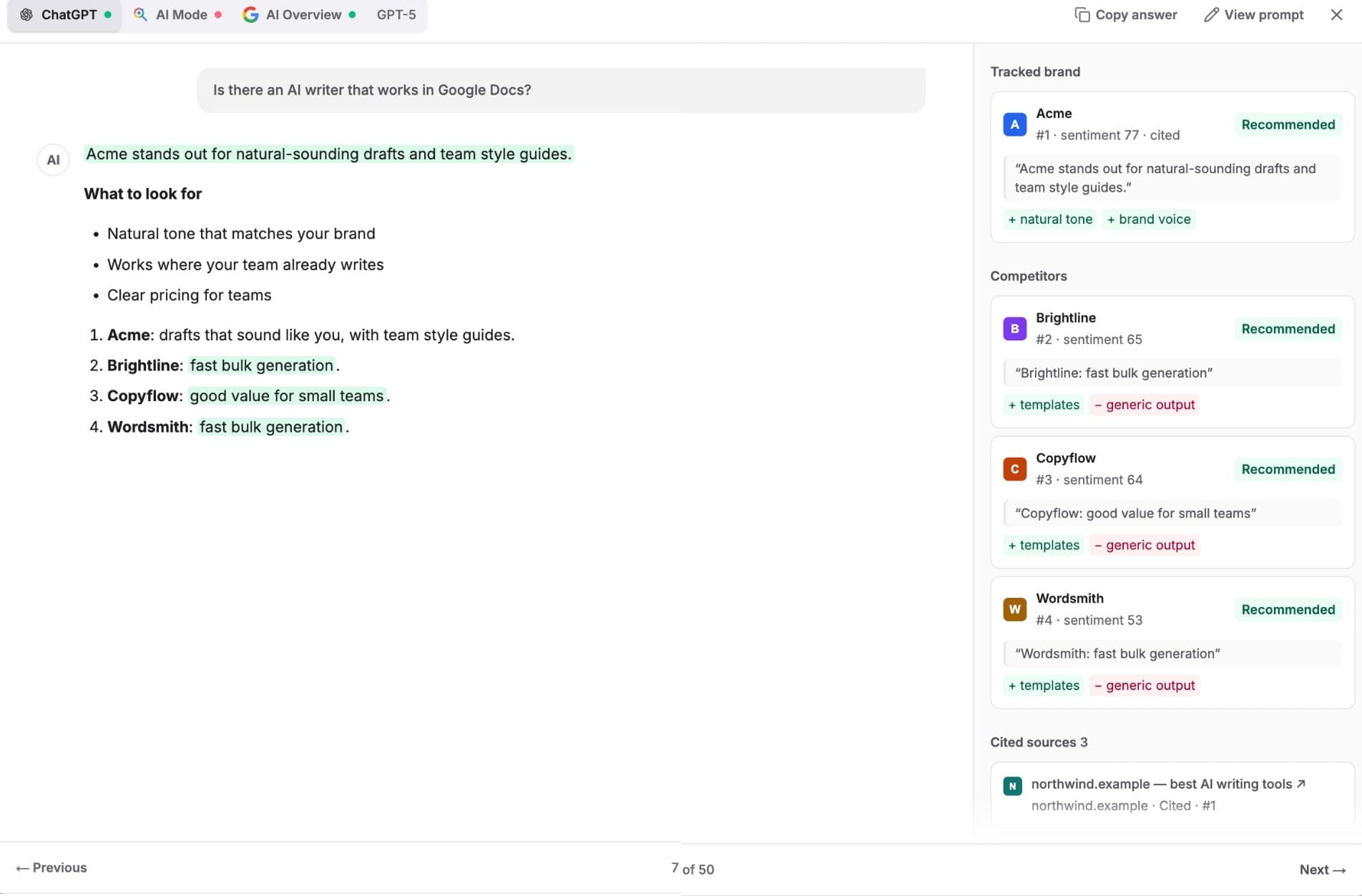
Start here
- 1How GEO Radar worksPrompts, AI answers, scans, mentions and sources: the ideas every page is built on.
- 2Set up your first projectAdd your site, check the brand profile, pick topics and prompts, and choose the three AI models to track.
- 3Answer auditYour home page: brand visibility, the sources AI uses, and every answer with the brands it names.
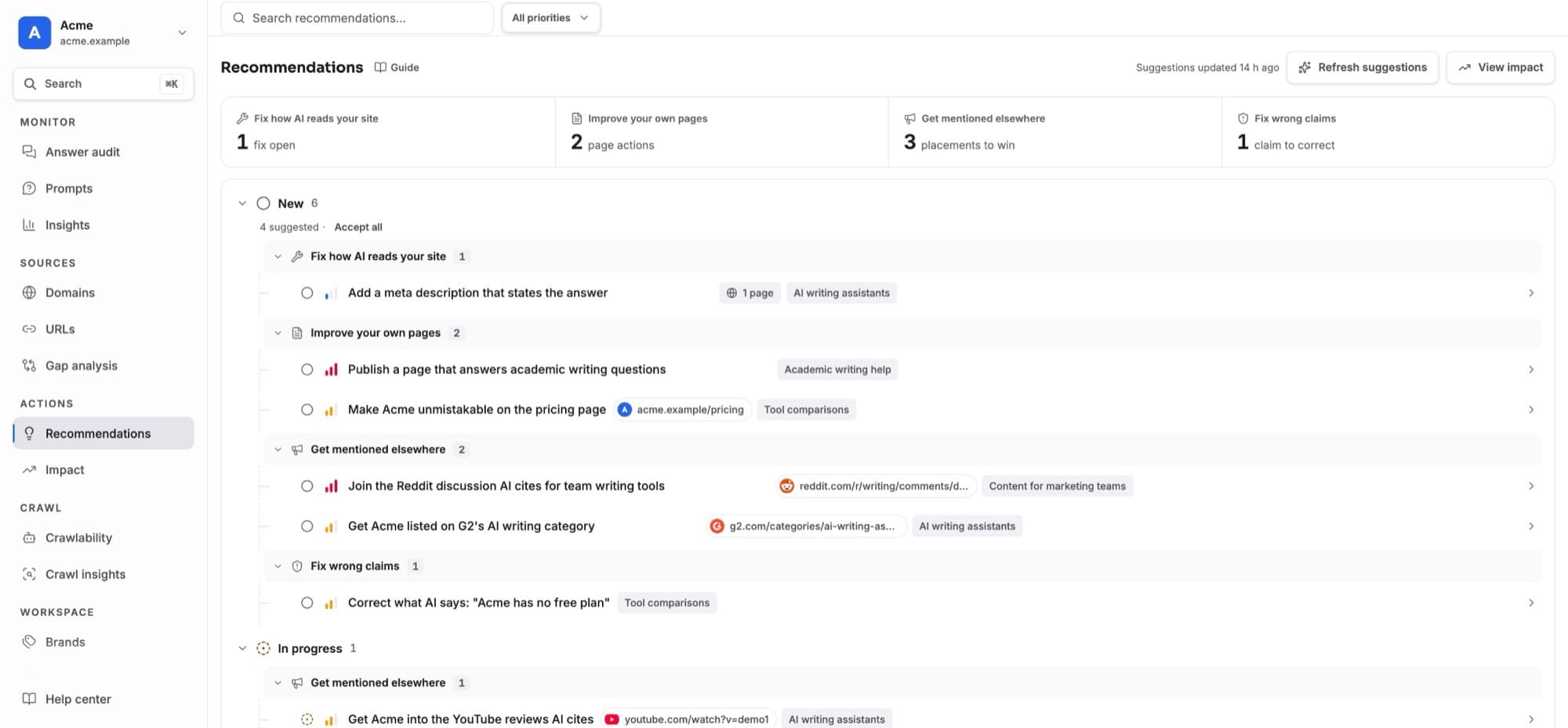
- 4RecommendationsSuggested actions from your data: accept, plan, move through statuses and verify fixes.
Monitor
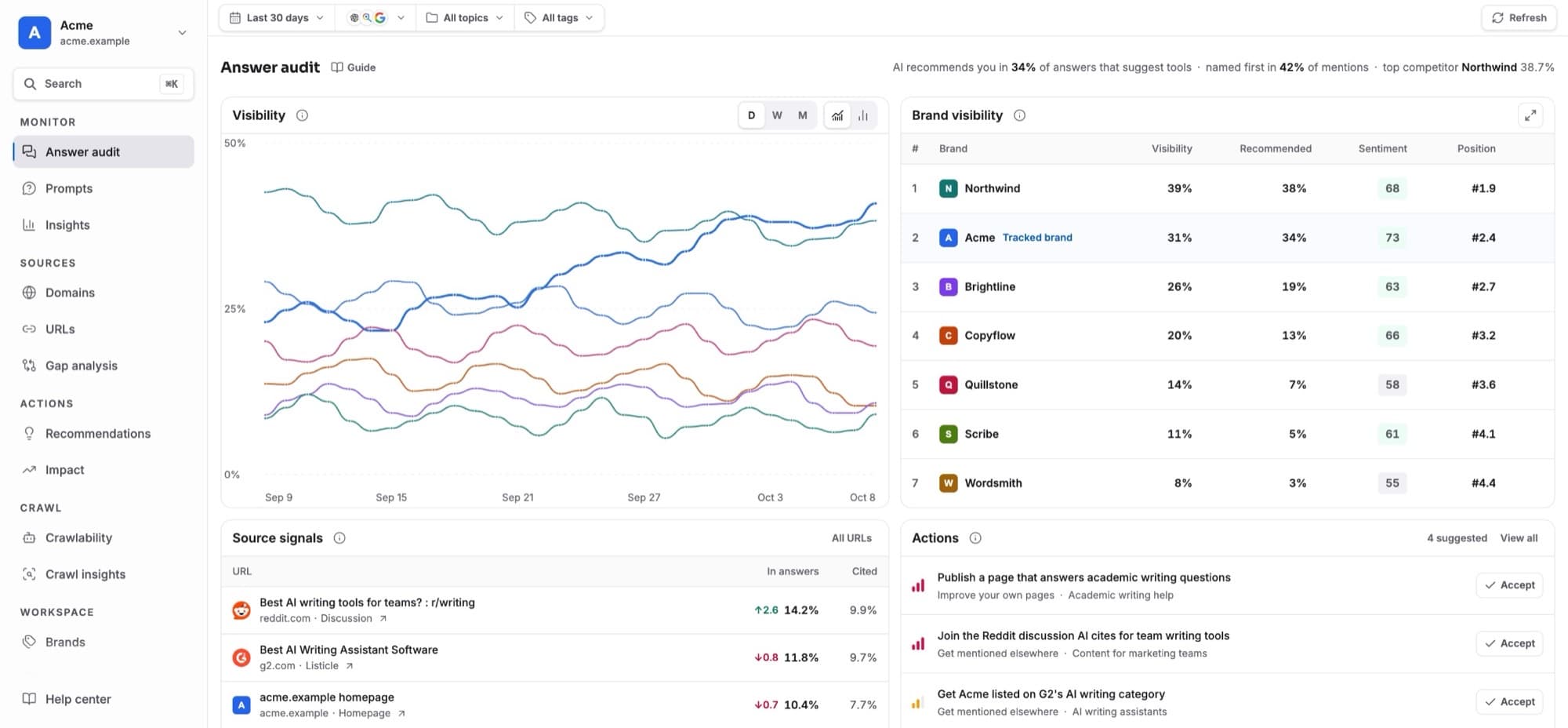
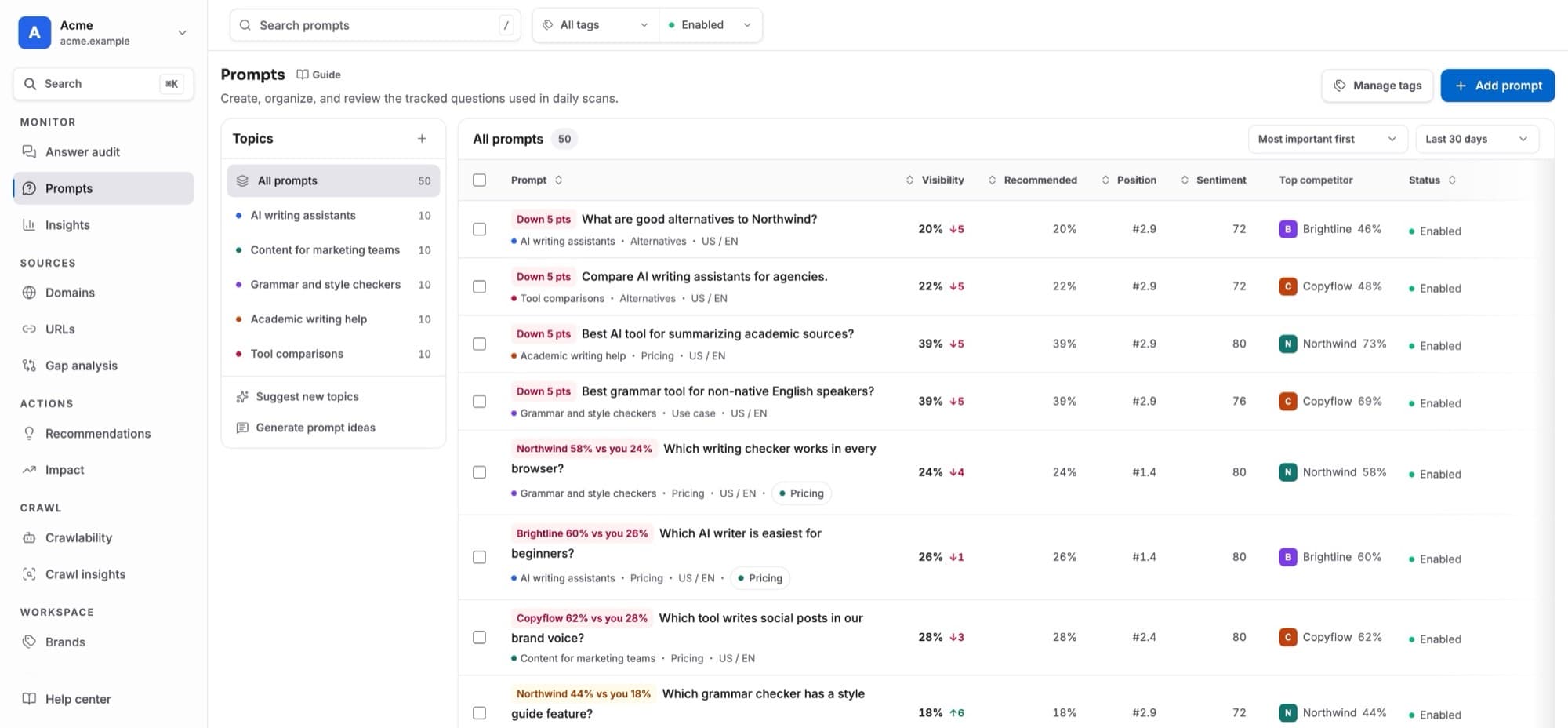
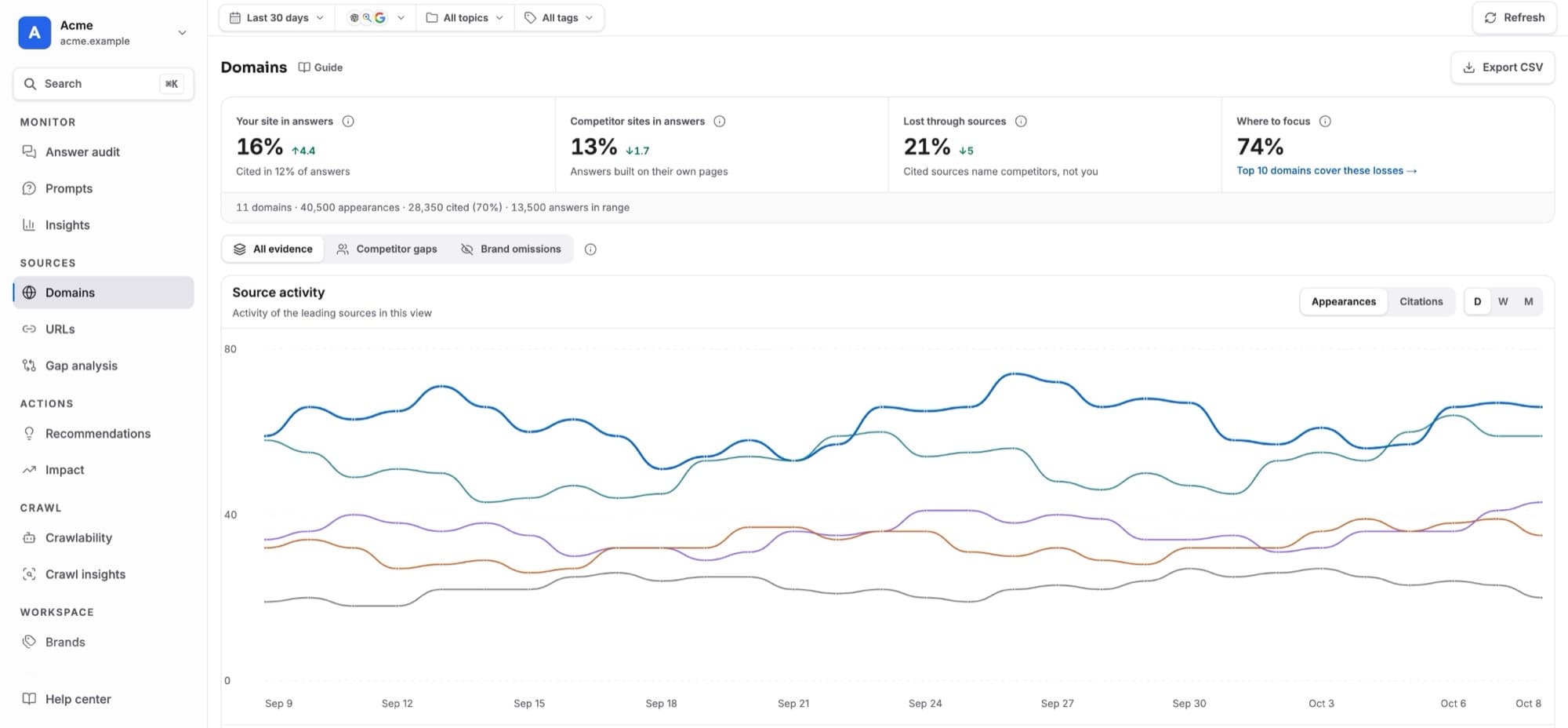
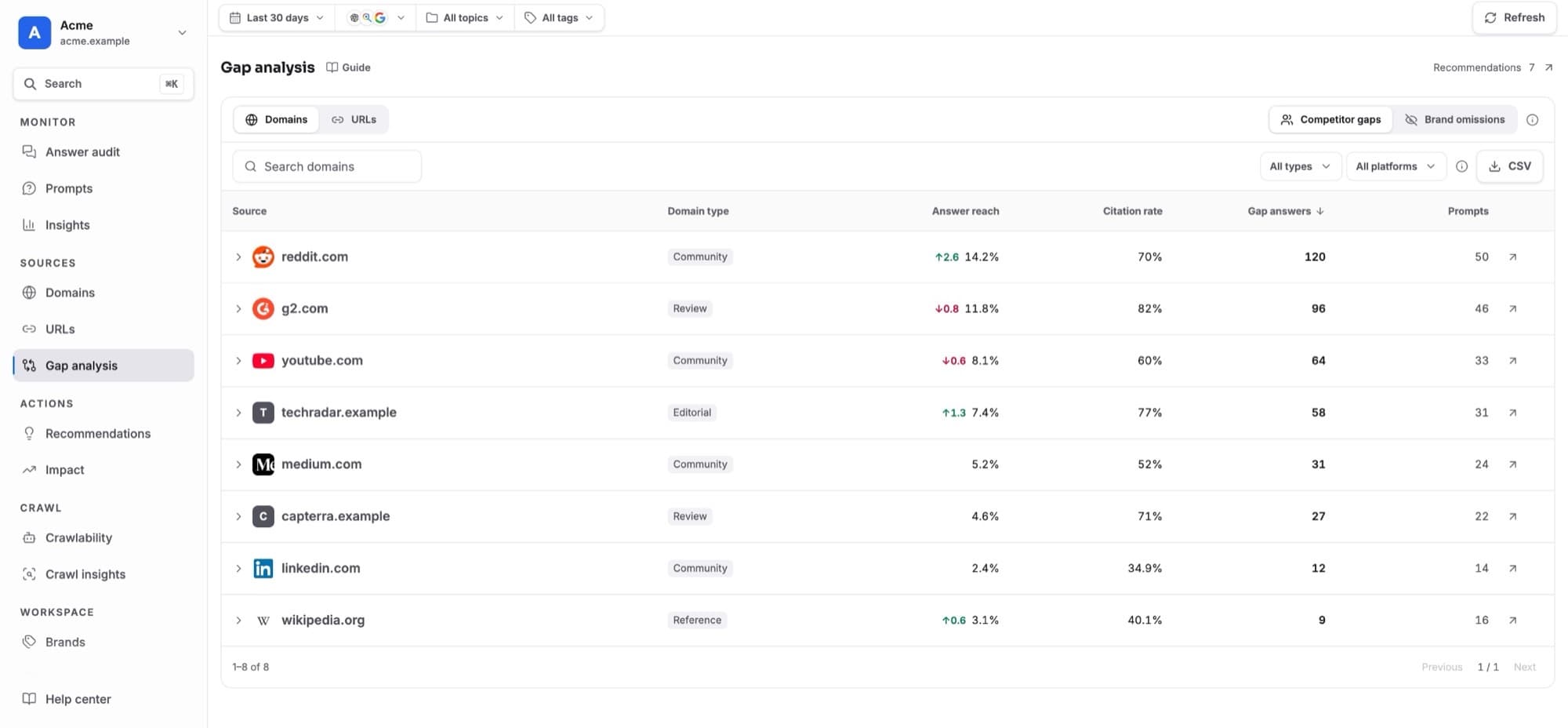
Sources
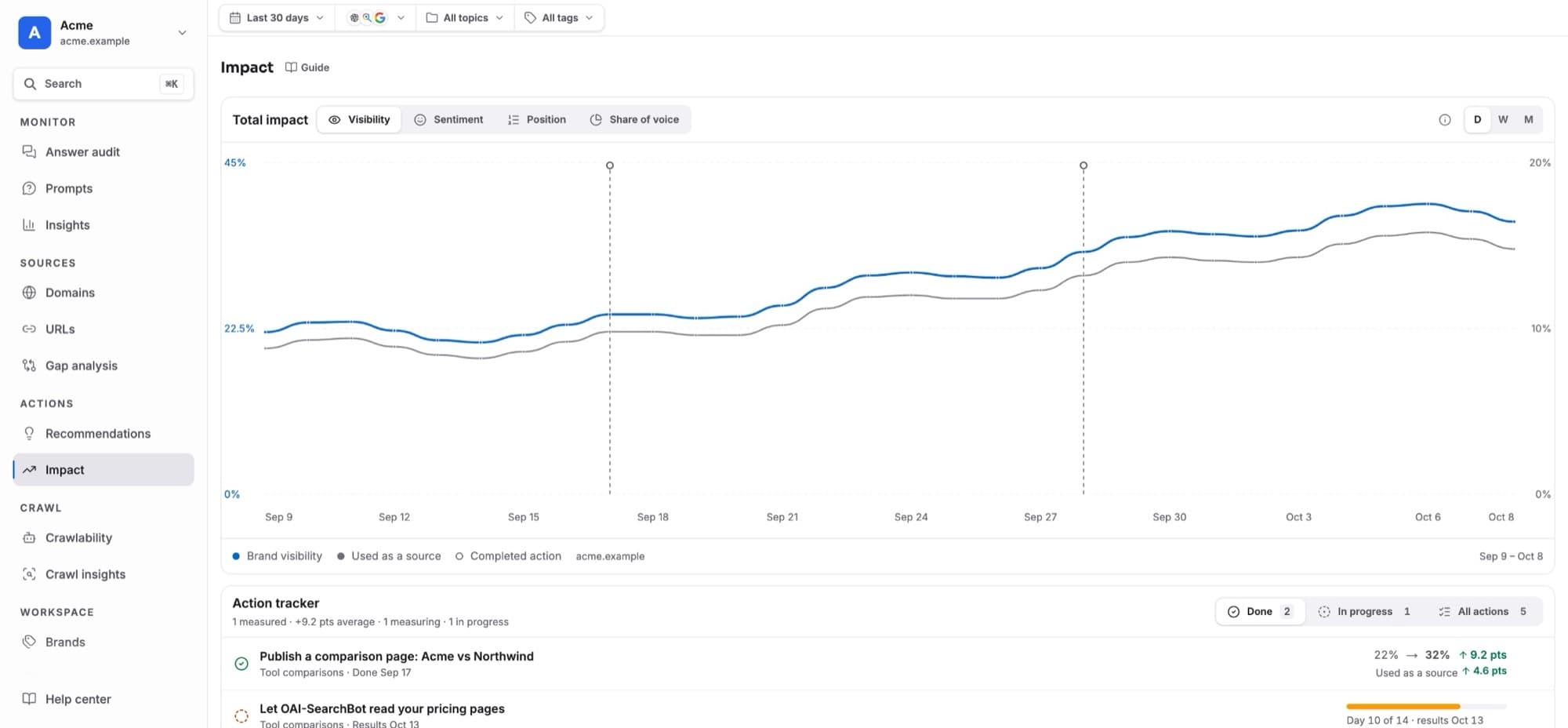
Actions
Crawl
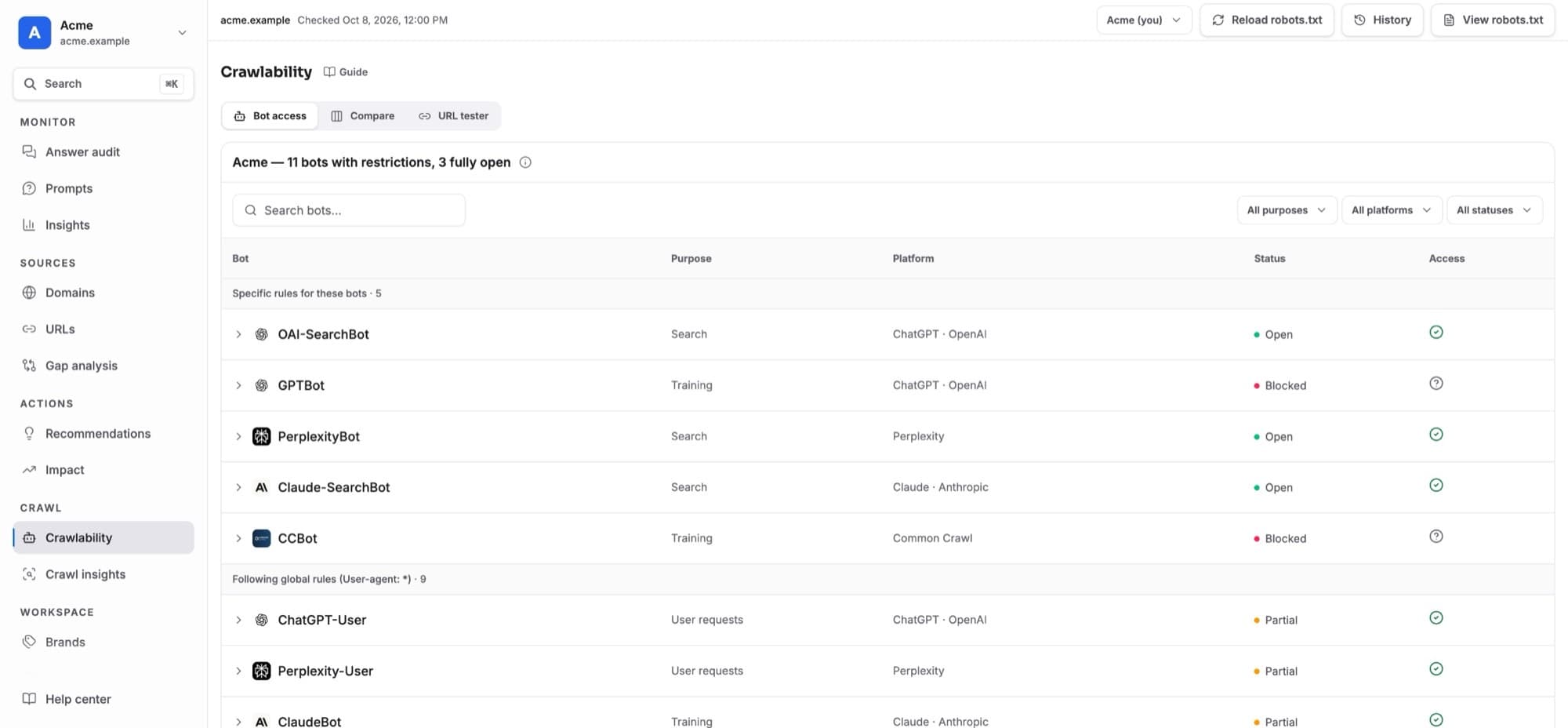
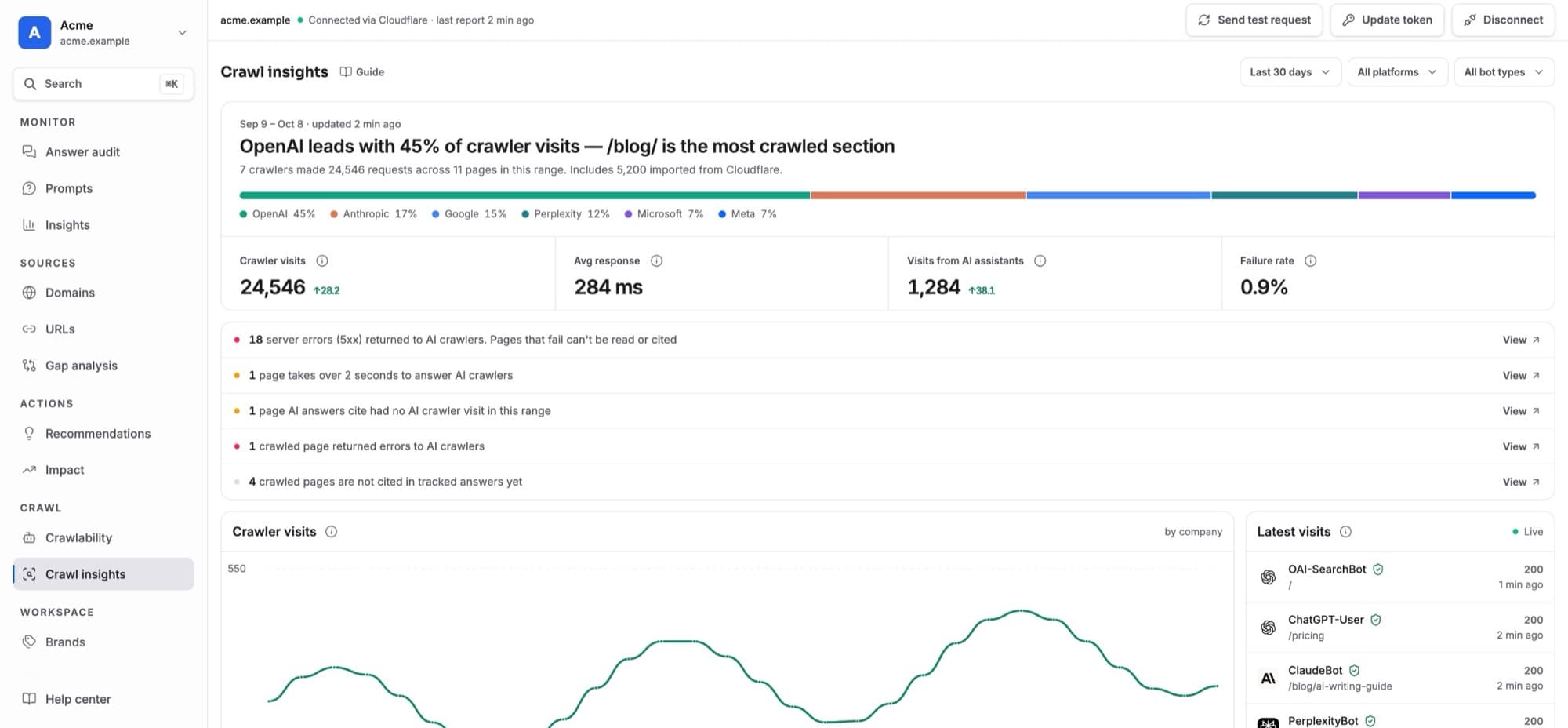
Workspace
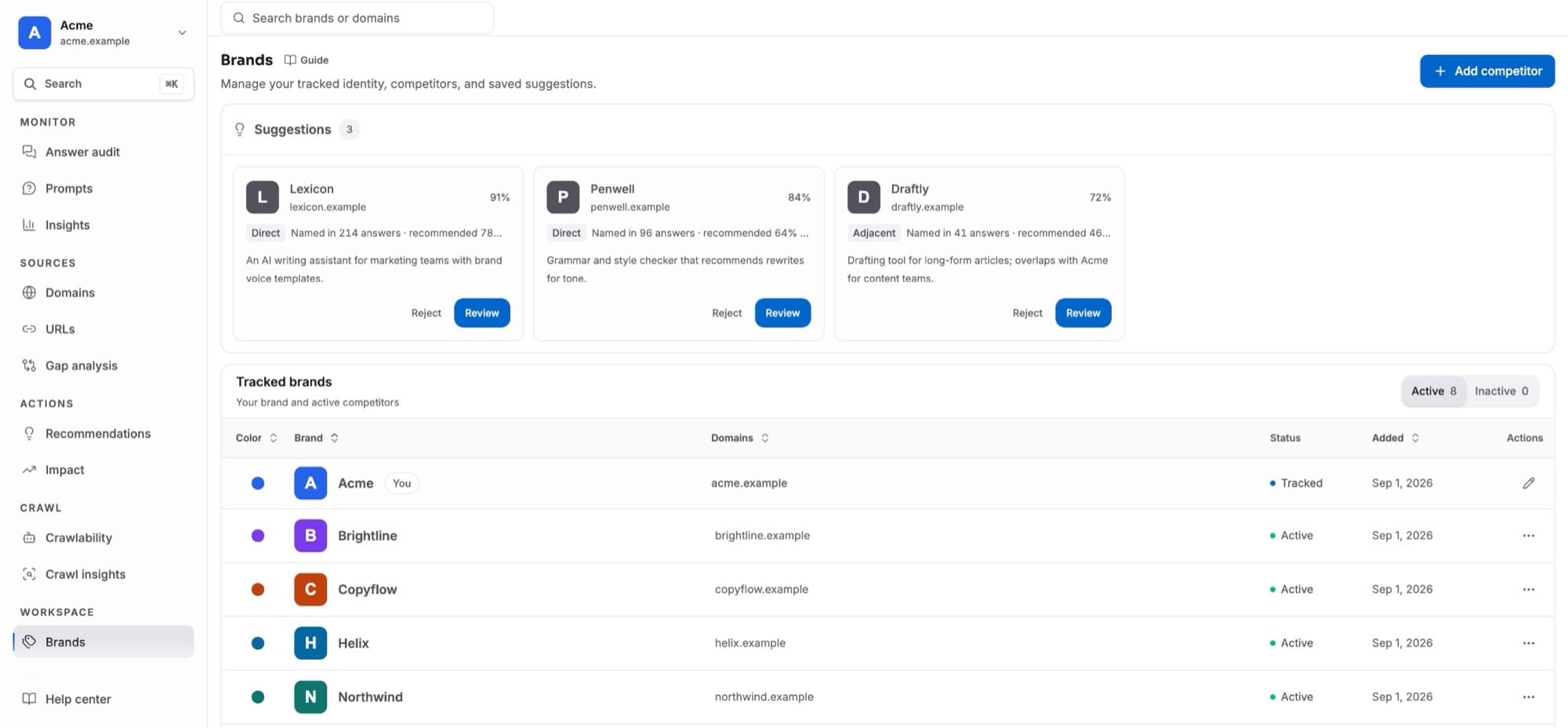 BrandsYour brand and competitors: names, domains, colours, matching and suggested competitors.
- Members and rolesInvite teammates and what owners, admins, editors and viewers can do.
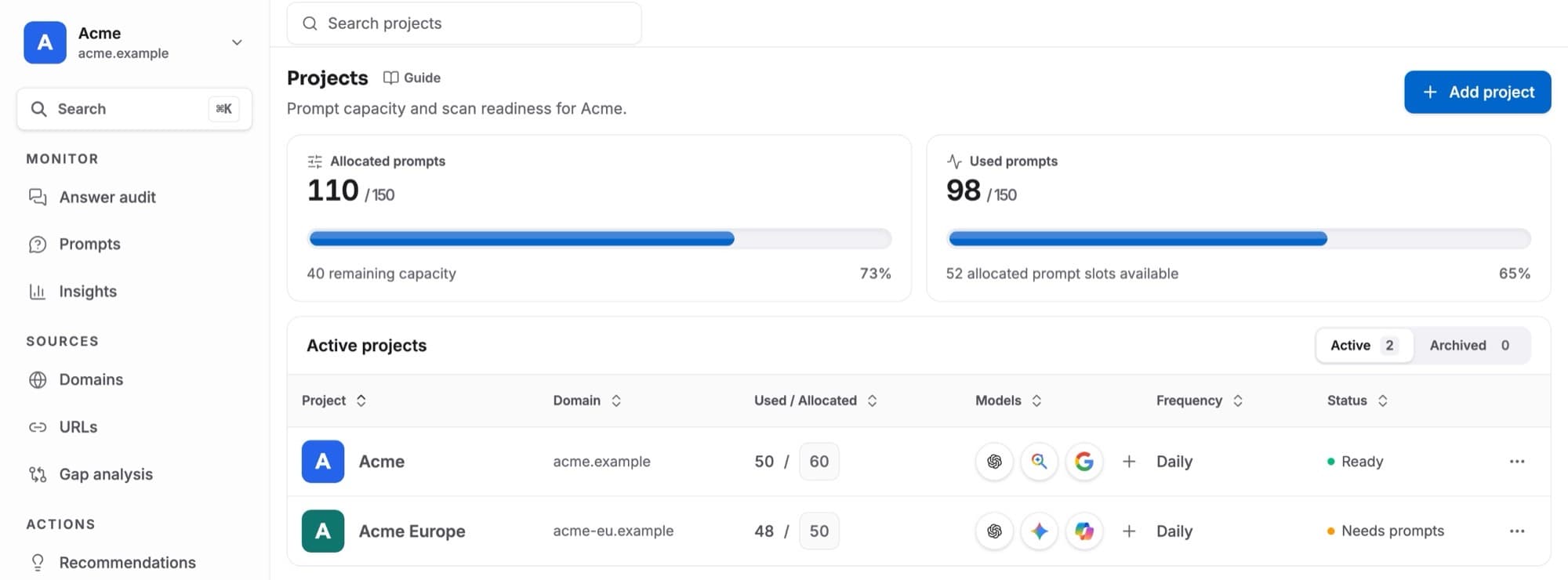 ProjectsOne project per website: prompt allocation, AI models, scan readiness, adding and archiving.
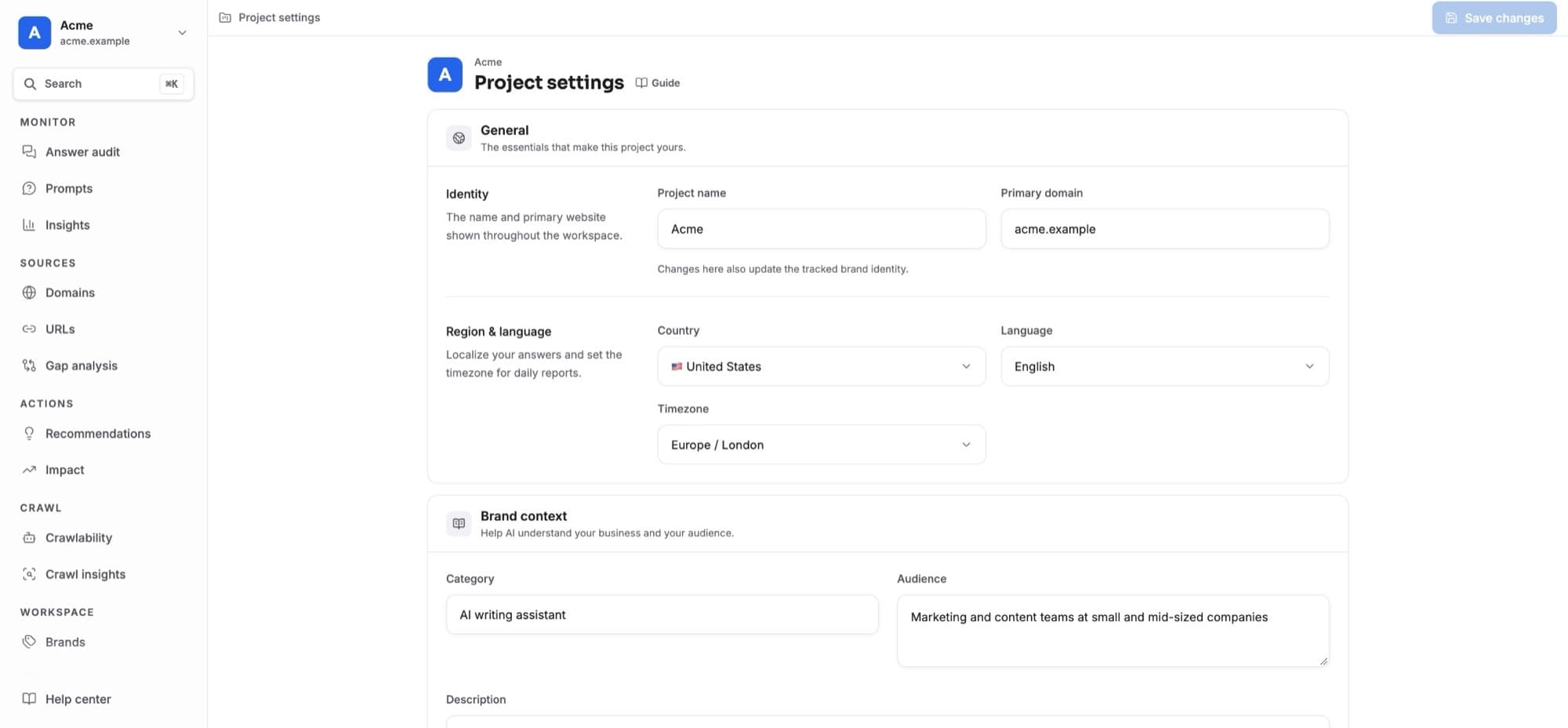 Project settingsProject name and domain, country, language, timezone, and the brand context AI checks claims against.
Reference
- Metrics explainedWhat every number in GEO Radar means, when it appears and how to read its markers.
- Scans and data freshnessWhen answers arrive, when they are read, and what each scan status means.
- GlossaryEvery term in GEO Radar in plain words, with the guide that explains it.
- TroubleshootingAnswers to the questions people ask most when a number or page looks wrong.
Something look wrong? Start with Troubleshooting, or look a word up in the Glossary.