Help centerSourcesUpdated Oct 8, 2026
Gap analysis
Sources that AI uses to recommend competitors when your brand is missing.
Gap analysis is a ranked list of the sources behind answers you lose. Each row expands to show the exact answers involved, so you can turn a gap into an action without leaving the page.
Two kinds of gap
- Competitor gaps
- The source is cited, a tracked competitor is named, and your brand is not. This is the default view, and the gaps you can most clearly win.
- Brand omissions
- The source appears, cited or not, in an answer that doesn’t name you, whether or not a competitor is named.
Counts are per source. One answer can use several sources, so the same answer can count toward more than one row.
The table
Switch between Domains and URLs. You can search and filter by type or platform. The table shows 20 sources per page, sorted by Gap answers unless you click another column.
- Domain type / URL type
- The kind of site or page, such as Community, Review or Comparison.
- Answer reach
- Share of all answers in the range that use the source.
- Citation rate
- Of the answers that use it, the share that cite it.
- Gap answers
- Answers that match the selected gap definition.
- Prompts
- How many different prompts those answers come from.
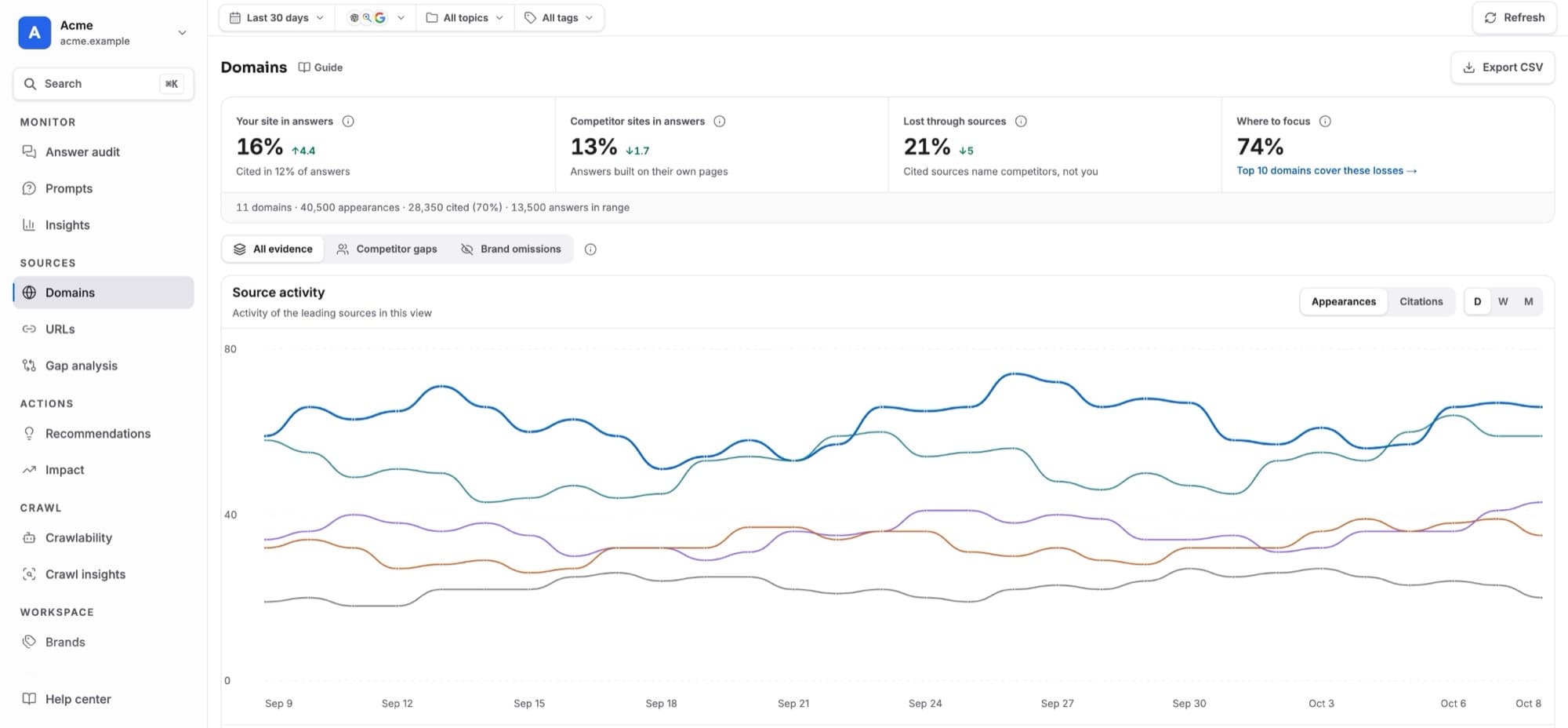
Arrows on reach and rate compare with the previous period. The ↗ at the end of a row opens the source’s full details in Domains and URLs. CSV exports every filtered source.
Inspect a gap
Expand the row
Click a source. The row opens in place; the rest of the page stays where it is.See who wins instead
“Competitors cited instead” shows the competitors named in those answers.Read the answers
“Answers with this gap” lists the answers, most important first. Each shows the model, the prompt, a reason label and the brands it mentions. The first three are shown; use Show all and Load more for the rest. Click an answer to read it.Act
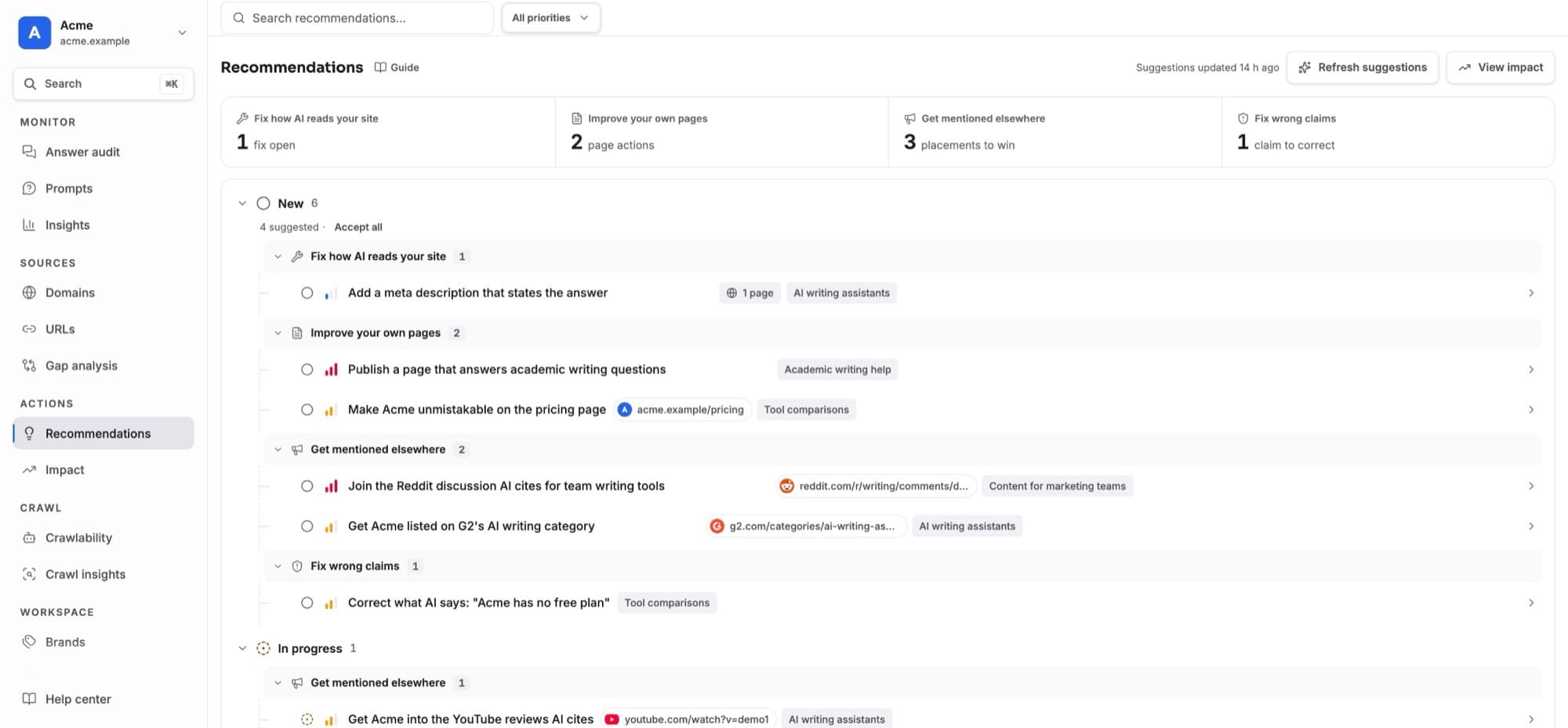
Click Add recommendation to save an action with these answers as evidence (editors only). It appears in Recommendations.
The open row is saved in the address. If you open an answer and press Back, you return to the same row, still open.
- The date, model, topic and tag filters apply to every number here.
- Viewers can read everything, but only editors and above can save actions.