Help centerCrawlUpdated Oct 8, 2026
Crawl insights
Connect Cloudflare to see real AI crawler visits, the pages they read and the visitors AI sends.
Crawl insights shows how AI systems use your website: which AI crawlers visit, which pages they read, whether your site answers them properly, and how many people arrive from AI assistants. You can also see whether the pages AI reads are the pages AI answers cite.
Before you start
- Your site uses Cloudflare, with its DNS records proxied (the orange cloud). Traffic that doesn’t pass through Cloudflare can’t be seen.
- You are an owner or admin of the workspace.
- You can sign in to the Cloudflare account that manages the project’s domain. A token from another account is rejected.
AWS CloudFront, Google Cloud CDN, Vercel, WordPress, Akamai, webhooks and log uploads are coming soon.
Connect your site (about 2 minutes)
Click Create token in Cloudflare
Cloudflare opens with everything pre-filled: permission to install a Worker (Workers Scripts Edit, Workers Routes Edit), to find your domain (Zone Read), and to import your recent history (Analytics Read, recommended).Create the token
In Cloudflare, click Continue to summary, then Create Token, then Copy. Cloudflare shows the token only once.Paste it and click Connect
GEO Radar installs a small Worker on your domain and sends a test request. Within a few seconds the page changes from Waiting for the first report to Connected.History arrives
With Analytics Read, up to your last 30 days of AI crawler visits are imported from Cloudflare, so the page has data right away. How far back depends on your Cloudflare plan.
If something goes wrong
- This token is for a different Cloudflare account
- What to do: Create the token while signed in to the account that manages your domain. The message lists the domains the token can see.
- The token is invalid
- What to do: Copy the whole token again, or create a new one with the button.
- Another Worker already handles your domain
- What to do: Cloudflare allows one Worker per route. Remove that Worker's route (Workers & Pages › the Worker › Domains & Routes), then connect again. GEO Radar never replaces another Worker.
- Waiting for the first report doesn't change
- What to do: Check that the DNS records are proxied (orange cloud), then click Send test request.
- See your last 30 days now
- What to do: The token has no Analytics Read. Click Update token and paste a new token. The Worker stays installed.
| Message | What to do |
|---|---|
| This token is for a different Cloudflare account | Create the token while signed in to the account that manages your domain. The message lists the domains the token can see. |
| The token is invalid | Copy the whole token again, or create a new one with the button. |
| Another Worker already handles your domain | Cloudflare allows one Worker per route. Remove that Worker's route (Workers & Pages › the Worker › Domains & Routes), then connect again. GEO Radar never replaces another Worker. |
| Waiting for the first report doesn't change | Check that the DNS records are proxied (orange cloud), then click Send test request. |
| See your last 30 days now | The token has no Analytics Read. Click Update token and paste a new token. The Worker stays installed. |
Reading the page
The headline names the most important fact, for example “OpenAI leads with 42% of crawler visits — /blog/ is the most crawled section”, followed by each company’s share. Filter by date range (7 days to 12 months), platform (company) and bot type.
- Crawler visits
- Requests from known AI crawlers to your pages. Images, scripts, styles and fonts are not counted.
- Avg response
- How long your server took to answer AI crawlers. Fetchers acting for a user, such as ChatGPT-User, give up on slow pages.
- Visits from AI assistants
- People who clicked a link to your site inside ChatGPT, Perplexity, Gemini, Copilot, Claude and others. The platform and bot type filters don’t apply, because these are people, not bots.
- Failure rate
- Share of crawler requests that got a 4xx or 5xx response. A page that fails can’t be read or cited.
Bot types
- Training
- Collects content for future AI models.
- Search
- Builds the index that AI assistants search.
- User requests
- Fetches a page live because someone asked an assistant about it. This is the closest signal that AI is answering with your page right now.
- Verified
- The request came from the company’s published IP addresses. Anyone can call themselves “GPTBot”, so unverified visits may be impostors. Fake crawlers probing for weaknesses are left out entirely.
Findings
Short lines above the chart point at problems. View opens the matching pages.
- Server errors (5xx) returned to AI crawlers. Fix these first: your server failed while an AI system was reading it.
- Pages take over 2 seconds to answer. Speed them up; live fetchers may give up.
- Pages AI answers cite had no AI crawler visit. Answers rely on these pages. Check that they are reachable and up to date.
- Crawled pages returned errors. Broken links or removed pages that crawlers still request. Redirect them.
- Crawled pages are not cited yet. AI reads them but doesn’t use them for your prompts. Improve them for the topics you track.
Chart, latest visits and tabs
- Crawler visits chart
- Daily visits by company, in your project’s timezone. It appears once there are two days of data.
- Latest visits
- The most recent requests, live: crawler, page, status and time. A shield means verified.
- Crawlers
- Each crawler’s type, visits, pages, verified share, average response, errors, whether it read robots.txt, and when it was last seen.
- Pages
- Every crawled page, with how many tracked AI answers used it. Filter by Used in AI answers, Not in AI answers, Returning errors, Server errors, Slow or In answers, not crawled.
- Folders
- Visits grouped by the first part of the path, such as /blog/ or /docs/.
- AI referrals
- Visits from each assistant, their share, and the pages people landed on.
What to do with it
- Fix server errors and slow pages first.
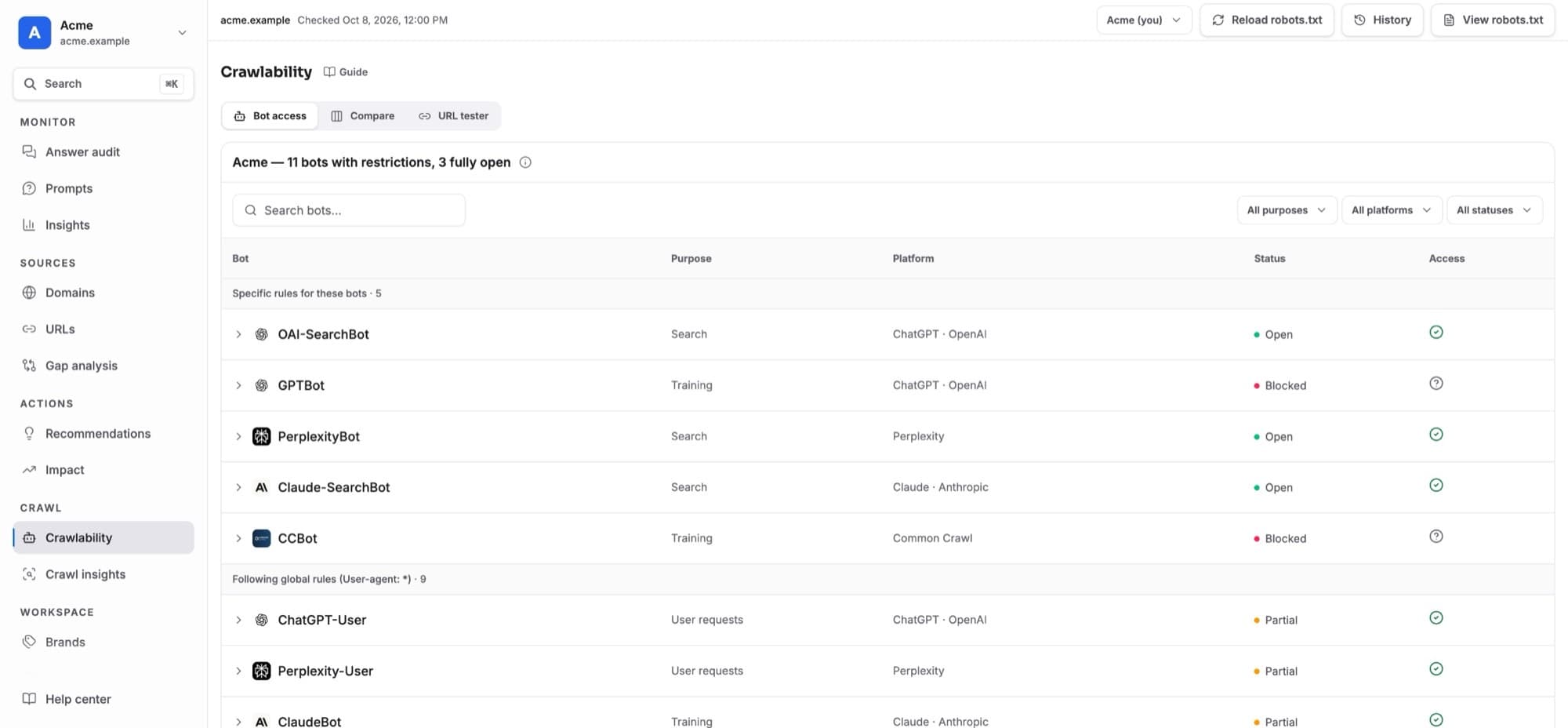
- Use In answers, not crawled to make sure cited pages are reachable. Check them in Crawlability too.
- Improve pages AI reads but doesn’t cite. They are already being read.
- Watch user-request crawlers. A rise means assistants are opening your pages while answering people.
- Compare visits with referrals. Many crawler visits but few referrals means AI reads you but rarely links to you.
Update, test or disconnect
- Send test request
- Checks the connection end to end.
- Update token
- Replaces the token, for example to add Analytics Read. The Worker stays installed.
- Disconnect
- Removes the Worker and its route from Cloudflare and deletes the token. The visit totals collected so far stay in the project.
- Same site, several projects
- Cloudflare allows one Worker per site, so a second project with the same site joins the existing Worker and sees the same visits. The Worker is removed only when the last project disconnects.
GEO Radar keeps the Worker up to date automatically.
Privacy and limits
- For crawlers, GEO Radar stores the crawler name, the path (without query string), the status, the response time, and a salted hash of the IP used to verify the crawler. The IP itself is never stored.
- For visits from AI assistants, only the assistant and the page are stored, counted per day. No IP, cookies or personal data.
- Raw crawler events are kept for 30 days; daily totals for 400 days. The token is stored encrypted.
- Cloudflare Workers Free includes 100,000 requests a day for the whole account. Busy sites should use Workers Paid.
- Requests Cloudflare blocks before the Worker runs (firewall or bot rules) appear only in the imported history.