Help centerMonitorUpdated Oct 8, 2026
Prompts
The questions GEO Radar asks AI every day, how to organize them, and how each one performs.
A prompt is a question your buyers might ask an AI assistant, such as “What is the best tool for…?”. Every night, each enabled prompt is sent to your three AI models. Every number in GEO Radar comes from those answers. On this page you write prompts, organise them, and see how each one performs.
Page layout
- Top bar: Search prompts (press / to jump to it), a Tag menu, and a Status menu: Enabled (the default), Disabled, Archived or All states.
- Topics on the left: All prompts and each topic, with its colour dot and prompt count. On phones, the list folds into a Topics button.
- The prompt table on the right, with each prompt’s results for the chosen range.
How each prompt performs
The table shows how AI answered each prompt. Choose the period with the Metrics range menu: Last 7, 30 (the default) or 90 days. This range applies only to this page.
- Visibility
- Share of this prompt’s answers that name you, with the change since the previous period. Hover to see how many answers it is based on. Needs 10 answers.
- Recommended
- Of the answers that recommend any product, the share that recommend you. Needs 5 such answers.
- Position
- Your average place when you are named, e.g. #2.3. Needs 3 mentions.
- Sentiment
- 0–100; 50 is neutral. Needs 3 mentions.
- Top competitor
- The competitor most often named for this prompt, with its visibility.
- Status
- Whether the prompt is scanned.
A dash (—) means there are not enough answers yet to give a reliable number. It does not mean zero.
Status
Most important first
The default order puts the prompts with the most to win at the top: prompts where AI recommends products, you are rarely named, and a competitor leads. A prompt where your visibility recently dropped moves up as well. A label in front of each prompt says why it is there.
Why a prompt is listed first
The Prompt order menu switches between Most important first and Your order. Click a column header to sort by that column. Sorting by a metric reorders the first 100 prompts. Prompts without a value always go last.
Add a prompt
Choose a topic
Select the topic in the left column, or pick one in the dialog.Click Add prompt
Write the exact question a buyer would type (up to 1,000 characters). For example: “Which AI humanizer is best for academic essays?”Add details (optional)
An Intent such as “comparison”, and Tags to group related prompts across topics.Decide if it is scanned
Leave Include in future scans on to scan it from the next nightly run. A disabled prompt stays in the library but is not asked.
Topics, tags and bulk changes
- Topics
- Each prompt belongs to one topic, such as a product line or a use case. Use + to add one, and the ⋯ menu to edit or archive it. Suggest new topics proposes new topics based on your brand; you review them before anything is added.
- Prompt ideas
- Click Generate prompt ideas to draft prompts for the selected topic, or for all topics. Only the drafts you tick are added.
- Tags
- Optional labels that cut across topics, for example “pricing” or “enterprise”. Create and rename them under Manage tags. The tag filter on analytics pages uses them.
- Bulk actions
- Tick prompts to Enable, Disable, Move to topic, Assign tags or Archive them together. Assign tags replaces the tags on every selected prompt.
- Archive
- Prompts and topics are archived, never deleted, so their history stays. Find them under Status → Archived and click Restore to bring them back.
From a prompt to its answers
The speech-bubble icon on a row opens Answer audit filtered to that prompt. From any answer,View prompt brings you back here with the prompt open for editing. Closing the editor returns you to the answer.
How many prompts you can track
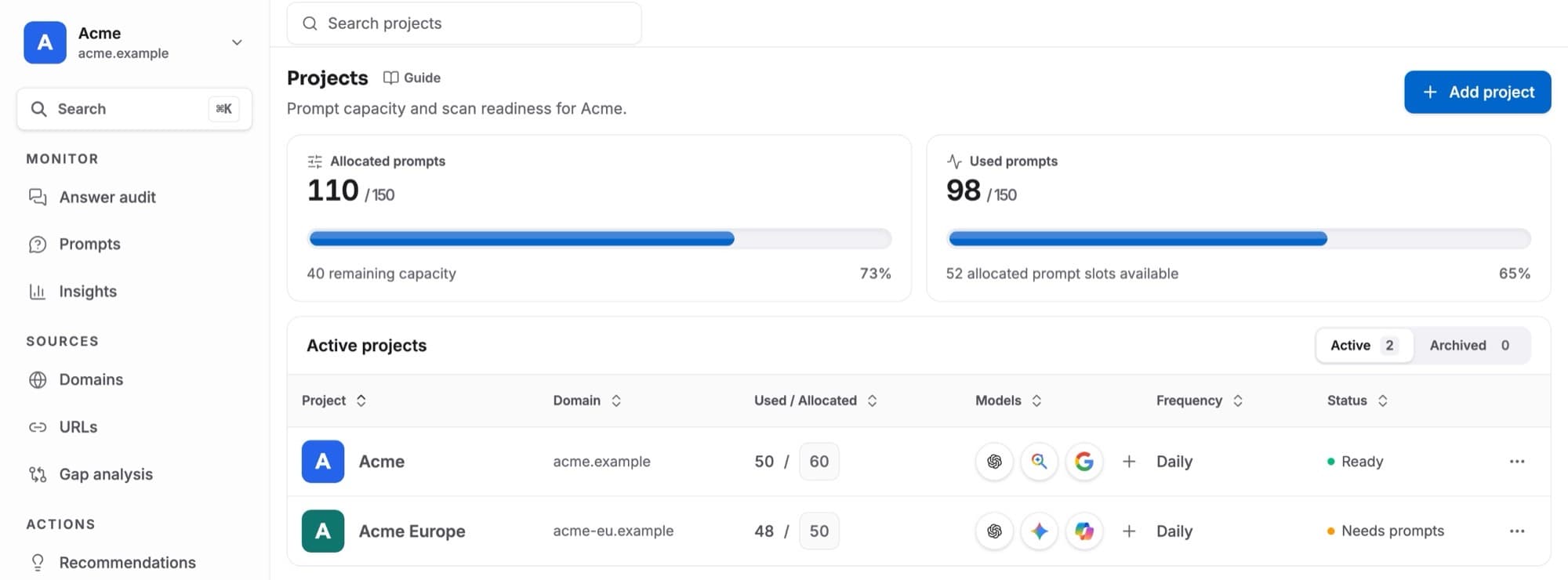
Your workspace has a prompt capacity, which is shared between projects on the Projects page. A project scans as many enabled prompts as its allocation allows, and needs at least 40 before nightly scans start. Each prompt is asked on all three models, so 50 prompts give 150 answers a night.